FTDI FT232RL USB to 3.5mm Scanner Programming Cable
For RadioShack PRO Series / GRE PSR Series / Whistler WS Series
CONNECT YOUR SCANNER TO YOUR COMPUTER WITH CONFIDENCE
Upgrade your scanner programming experience with this FTDI FT232RL USB to 3.5mm Stereo Plug Programming Cable.
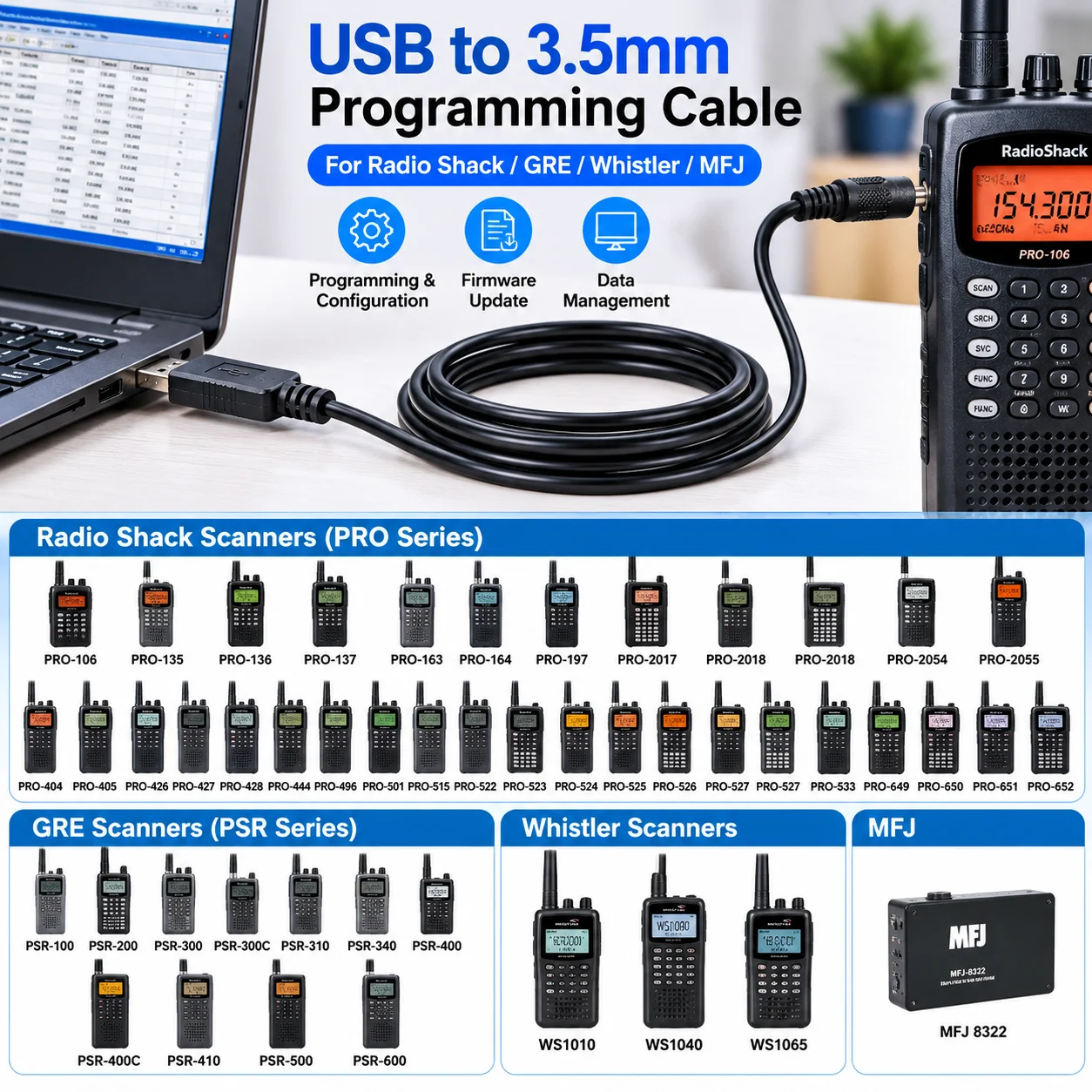
Designed for compatible RadioShack, GRE, Whistler and MFJ devices, this USB serial programming cable provides a convenient connection between your computer and scanner for supported programming, configuration and data transfer operations.
Ideal for radio enthusiasts, scanner hobbyists, technicians and communication equipment users.
★ KEY FEATURES
1. FTDI FT232RL USB Serial Chipset
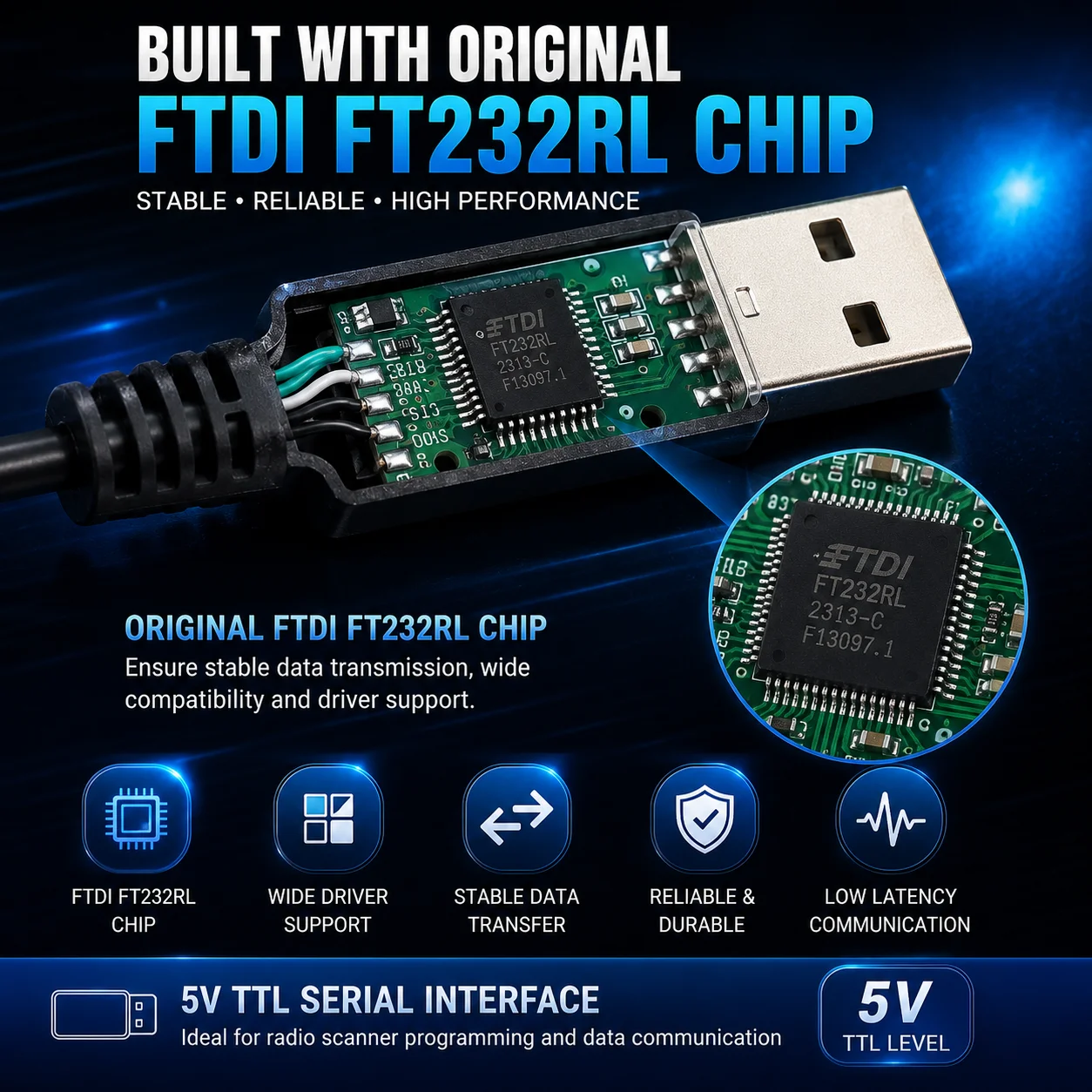
Built with the FTDI FT232RL USB-to-UART controller for dependable serial communication.
Stable USB serial connectivity
Reliable data transmission
FTDI virtual COM port driver support
Suitable for compatible scanner programming applications
2. USB to 3.5mm Stereo Programming Interface
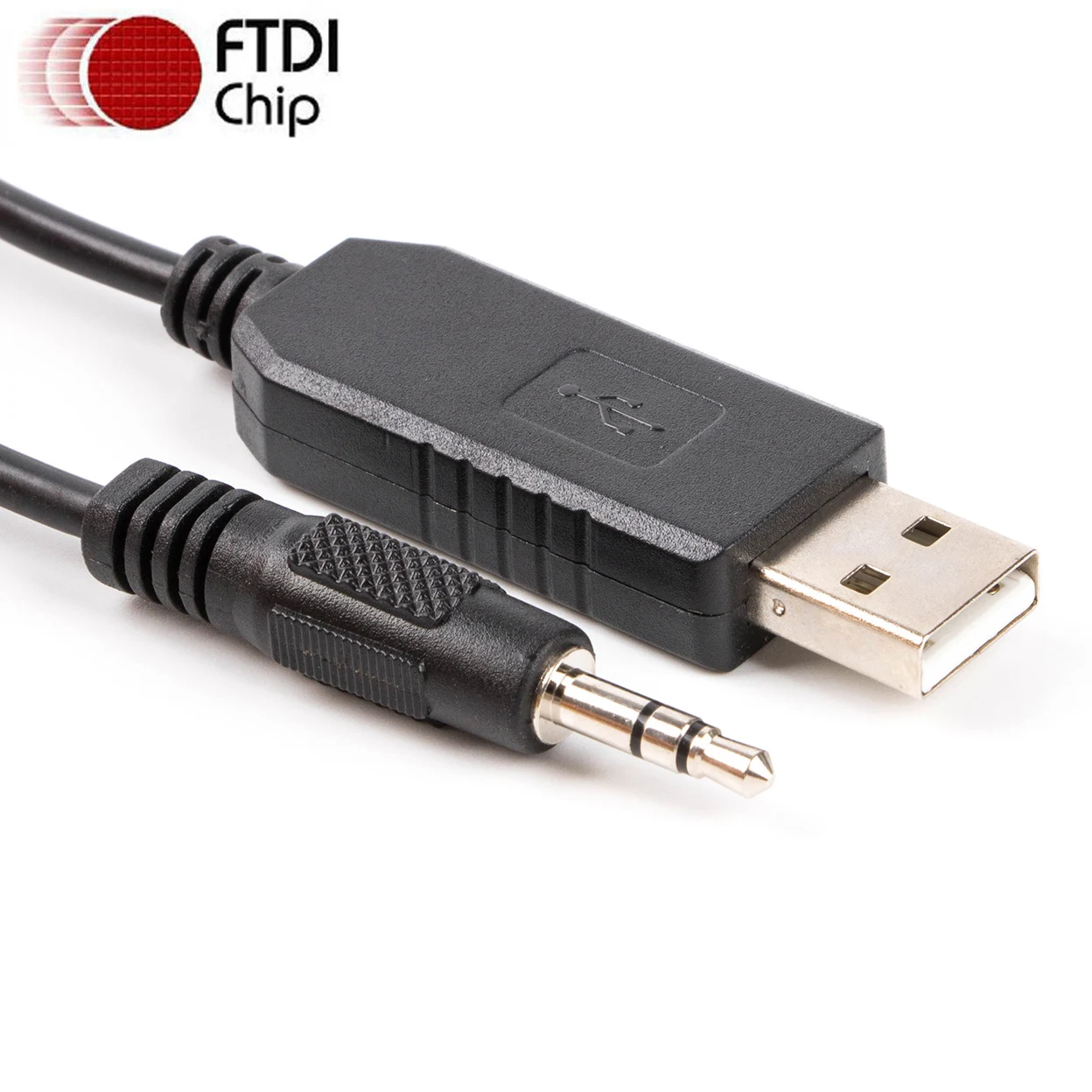
Computer Side: USB Type-A Male
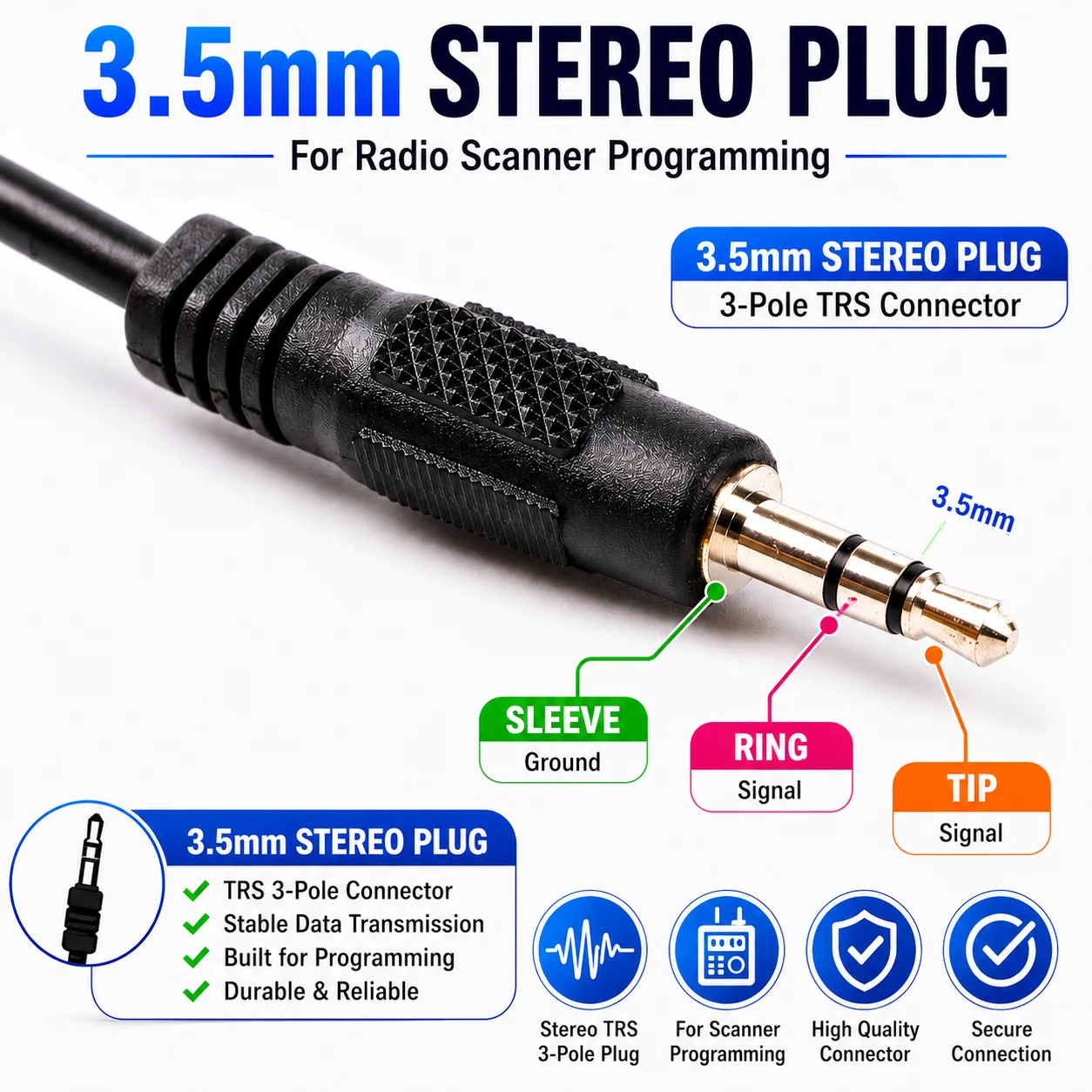
Scanner Side: 3.5mm Stereo Male Plug (TRS)
Chipset: FTDI FT232RL
Communication: USB to UART TTL Serial
Cable Color: Black
Application: Scanner Programming and Data Communication
Important: This is a scanner programming cable, not an ordinary USB audio cable or headphone adapter.
3. Easy Scanner Programming
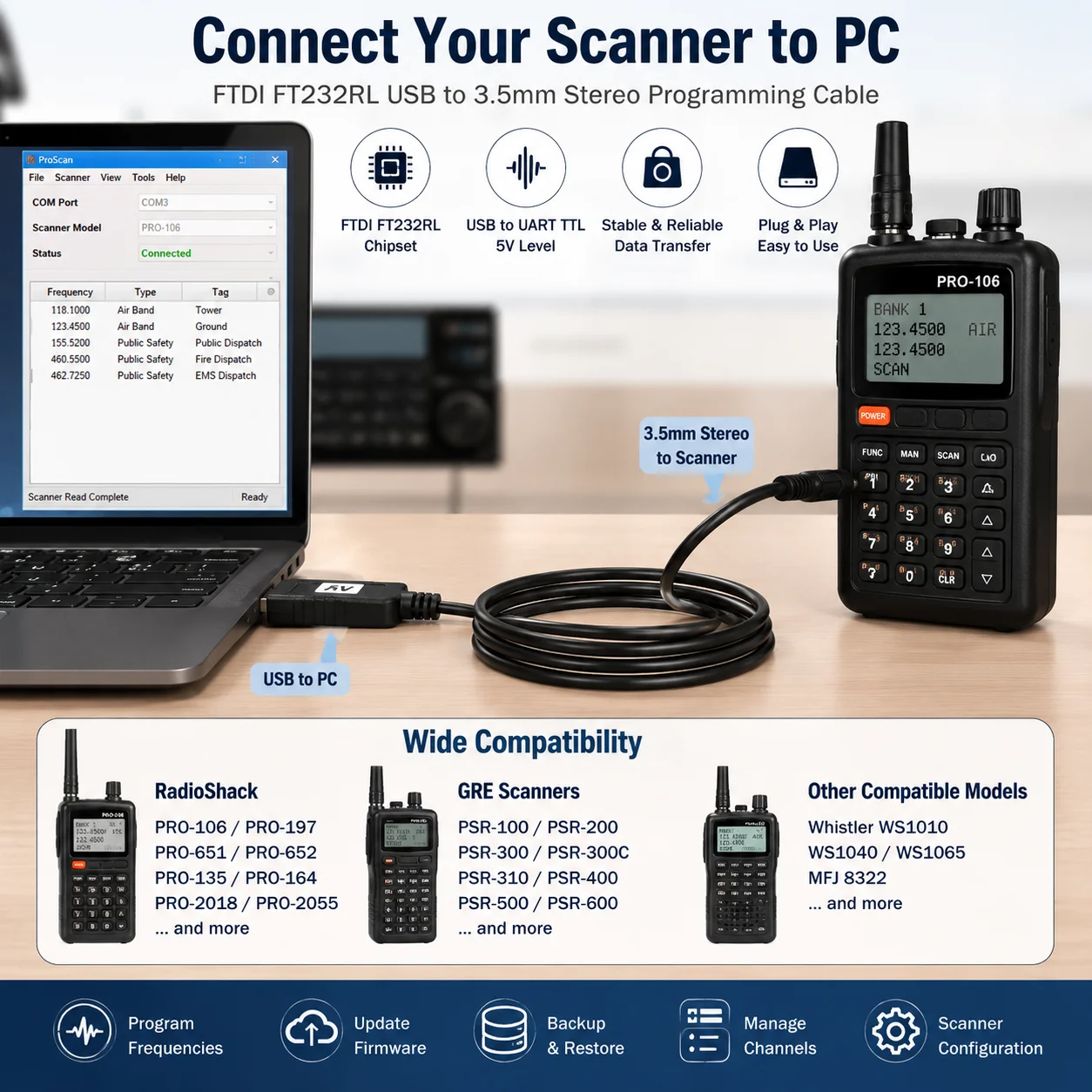
Connect your compatible radio scanner to a USB-equipped computer for supported operations, including:
Scanner channel programming
Frequency data management
Memory configuration
Scanner settings management
Data upload and download
Programming software communication
Available functions depend on the scanner model and software.
4. Wide Scanner Compatibility
Designed for compatible models from RadioShack, GRE and Whistler.
An excellent accessory for radio scanning enthusiasts who need to organize scanner channels and manage programming data.
5. Durable Construction
Flexible black cable jacket
Durable molded USB connector
Secure 3.5mm stereo plug
Reinforced strain relief
Convenient connection for desktop or laptop programming
COMPATIBLE SCANNER MODELS
RadioShack PRO Series
PRO-106 / PRO-135 / PRO-136 / PRO-137
PRO-163 / PRO-164 / PRO-197
PRO-2017 / PRO-2018
PRO-2054 / PRO-2055
PRO-404 / PRO-405 / PRO-426 / PRO-427 / PRO-428
PRO-444 / PRO-496 / PRO-501
PRO-515 / PRO-522 / PRO-523 / PRO-524
PRO-525 / PRO-526 / PRO-527 / PRO-533
PRO-649 / PRO-650 / PRO-651 / PRO-652
GRE PSR Series
PSR-100 / PSR-200 / PSR-300 / PSR-300C
PSR-310 / PSR-340 / PSR-400 / PSR-400C
PSR-410 / PSR-500 / PSR-600
Whistler Scanner Series
WS1010 / WS1040 / WS1065
MFJ
MFJ-8322
Compatibility Notice: Model compatibility and supported programming functions must be confirmed against the scanner's programming interface and software requirements before purchase. Not every listed model necessarily supports PC programming through the same cable.
HOW TO USE
Step 1: Install the appropriate FTDI USB serial driver if required.
Step 2: Connect the USB Type-A plug to your computer.
Step 3: Connect the 3.5mm stereo plug to the compatible scanner programming port.
Step 4: Open your scanner programming software.
Step 5: Select the correct COM port and communication settings.
Step 6: Read, write or manage scanner programming data according to your scanner's supported functions.
PACKAGE INCLUDES
1 × FTDI FT232RL USB to 3.5mm Stereo Scanner Programming Cable
Scanner, laptop and programming software are not included.
WHY CHOOSE THIS CABLE?
FTDI FT232RL Chipset — Reliable USB serial conversion.
Convenient Programming — Connect compatible scanners to modern USB computers.
3.5mm Stereo Interface — Designed for supported scanner serial programming ports.
Multiple Scanner Families — Suitable for compatible RadioShack, GRE and Whistler models.
Built for Radio Enthusiasts — A practical accessory for scanner configuration and data management.
KEEP YOUR SCANNER CONNECTED. MAKE PROGRAMMING EASIER.
About FT232RL
The FT232R is the latest device to be added to FTDI?s range of USB UART interface Integrated Circuit Devices. The FT232R is a USB to serial UART interface with optional clock generator output, and the new FTDIChip-ID? security dongle feature. In addition, asynchronous and synchronous bit bang interface modes are available. USB to serial designs using the FT232R have been further simplified by fully integrating the external EEPROM, clock circuit and USB resistors onto the device.
The FT232R adds two new functions compared with its predecessors, effectively making it a "3-in-1" chip for some application areas. The internally generated clock (6MHz, 12MHz, 24MHz, and 48MHz) can be brought out of the device and used to drive a microcontroller or external logic. A unique number (the FTDIChip-ID?) is burnt into the device during manufacture and is readable over USB, thus forming the basis of a security dongle which can be used to protect customer application software from being copied.
Single chip USB to asynchronous serial data transfer interface.
Entire USB protocol handled on the chip - No USB-specific firmware programming required.
UART interface support for 7 or 8 data bits, 1 or 2 stop bits and odd / even / mark / space / no parity.
Fully assisted hardware or X-On / X-Off software handshaking.
Data transfer rates from 300 baud to 3 Megabaud (RS422 / RS485 and at TTL levels) and 300 baud to 1 Megabaud (RS232).
In-built support for event characters and line break condition.
New USB FTDIChip-ID? feature.
New configurable CBUS I/O pins.
Auto transmit buffer control for RS485 applications.
Transmit and receive LED drive signals.
New 48MHz, 24MHz,12MHz, and 6MHz clock output signal Options for driving external MCU or FPGA.
FIFO receive and transmit buffers for high data throughput.
256 Byte receive buffer and 128 Byte transmit buffer utilising buffer smoothing technology to allow for high data throughput.
Adjustable receive buffer timeout.
Synchronous and asynchronous bit bang mode interface options with RD# and WR# strobes.
New CBUS bit bang mode option.
Integrated 1024 bit internal EEPROM for I/O configuration and storing USB VID, PID, serial number and product description strings.
Device supplied preprogrammed with unique USB serial number.
Support for USB suspend / resume.
Support for bus powered, self powered, and high-power bus powered USB configurations.
Integrated 3.3V level converter for USB I/O .
Integrated level converter on UART and CBUS for interfacing to 5V - 1.8V Logic.
True 5V / 3.3V / 2.8V / 1.8V CMOS drive output and TTL input.
High I/O pin output drive option.
Integrated USB resistors.
Integrated power-on-reset circuit.
Fully integrated clock - no external crystal, oscillator, or resonator required.
Fully integrated AVCC supply filtering - No separate AVCC pin and no external R-C filter required.
UART signal inversion option.
USB bulk transfer mode.
3.3V to 5.25V Single Supply Operation.
Low operating and USB suspend current.
Low USB bandwidth consumption.
UHCI / OHCI / EHCI host controller compatible.
USB 2.0 Full Speed compatible.
-40°C to 85°C extended operating temperature range.
Drivers are available which allow FTDI devices to work with the following operating systems:
Windows 8.1
Windows 8.1 x64
Windows 8
Windows 8 x64
Windows Server2012
Windows Server 2008 R2
Windows 7
Windows 7 x64
Windows Server 2008
Windows Server 2008 x64
Windows Vista
Windows Vista x64
Windows Server 2003
Windows Server 2003 x64
Windows XP
Windows XP x64
Windows ME
Windows 98
Linux
Mac OS X
Mac OS 9
Mac OS 8
Windows CE.NET (Version 4.2 and greater)
Android
Windows RT
Support for WinCE7.0
Initial functional testing conducted by FTDI has shown that the FTDI drivers function as expected on Windows CE 7.0
Support for older versions of Windows Desktop
NOTE: Microsoft have ended support for certifying XP and VISTA through their WHCK test program. As such current builds will still work on XP and VISTA but are not Microsoft certified.
Differences in Driver API
For most of these operating systems two types of driver are available: Virtual COM Port (VCP) drivers and direct (D2XX) drivers. The VCP driver emulates a standard PC serial port such that the USB device may be communicated with as a standard RS232 device. The D2XX driver allows direct access to a USB device via a DLL interface.
To locate the drivers you want to install for a device, select which of the driver types you wish to use (VCP or D2XX) and then locate the appropriate operating systems. With the exception of Windows 98 and Windows ME, all devices are supported in each driver package.
If a VCP driver is required for Android please refer to the following application note: TN 132 Adding FTDI Devices VCP Driver Support to Android


