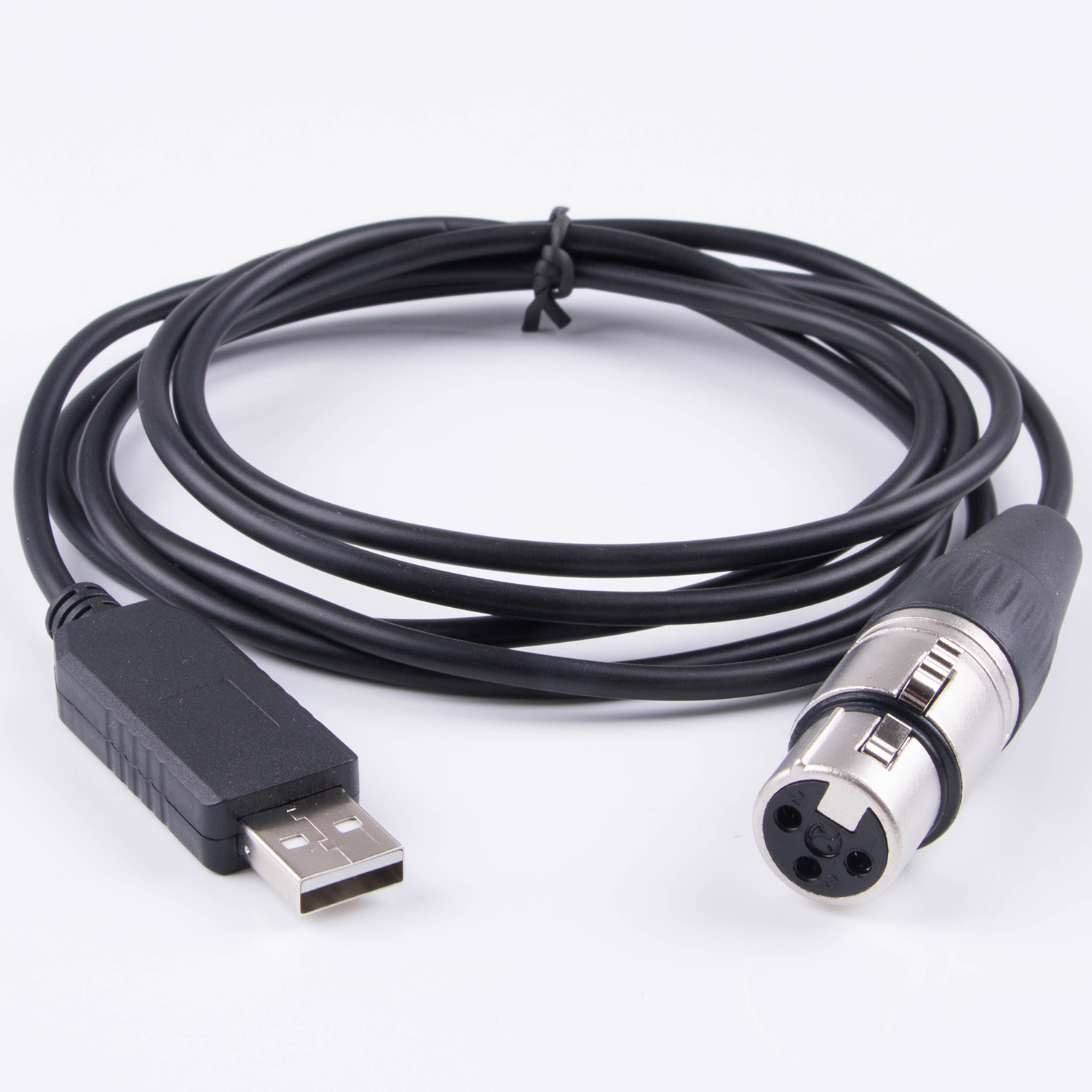
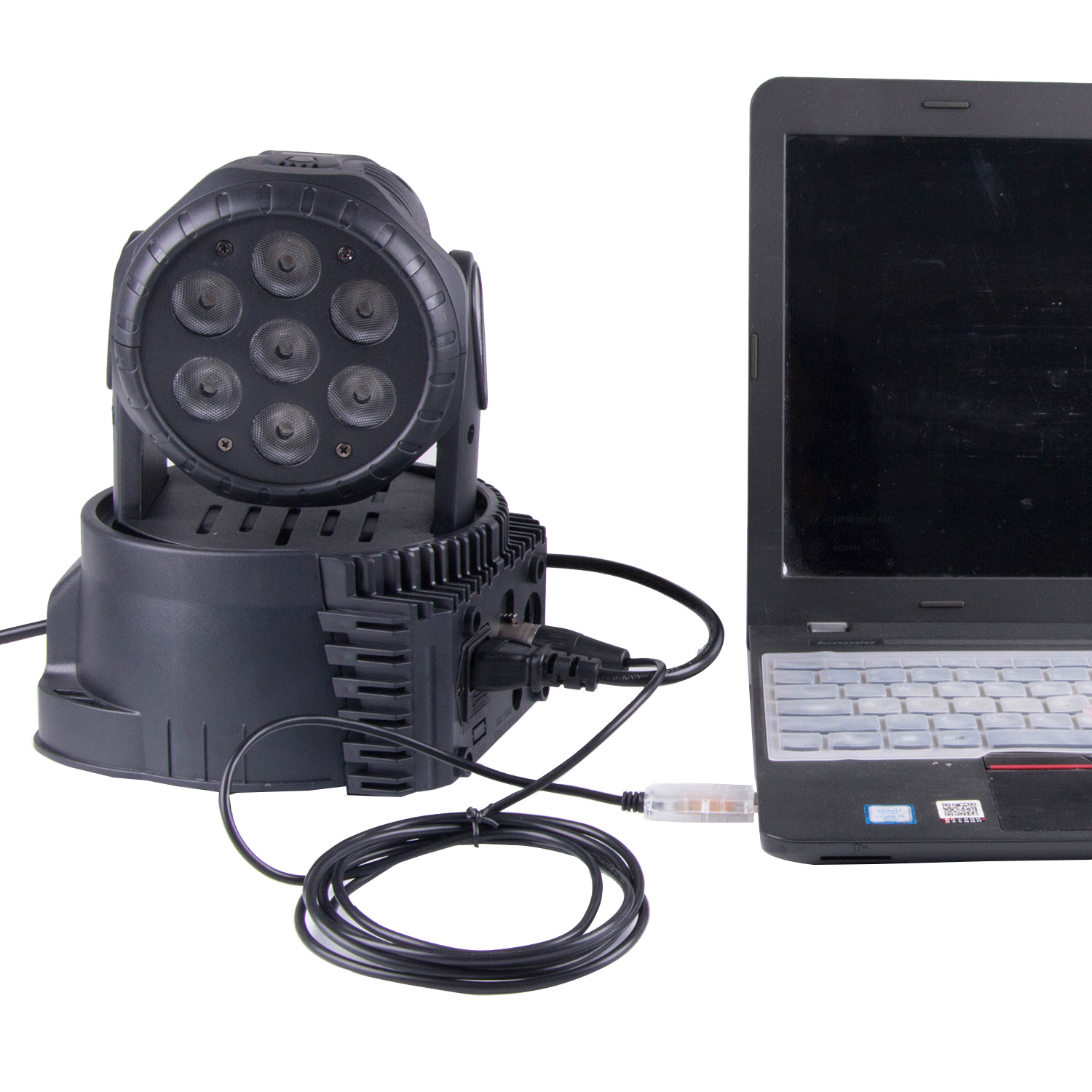
FTDI FT232RL USB to RS485 XLR Adapter DMX Interface Cable for OLA / OpenLightingProject
This DMX adapter Cable. It works beautifully with OpenLightningProject / OLA.
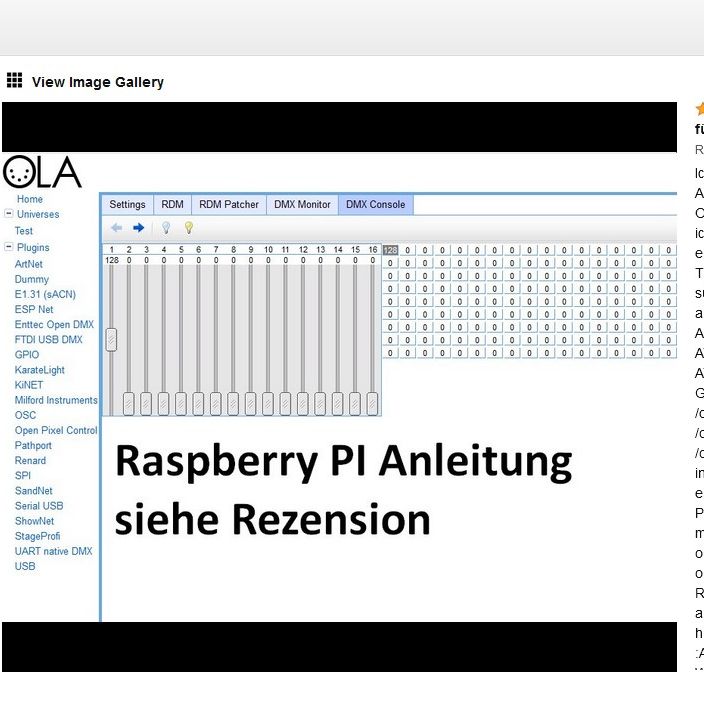
Since it took me a while to be able to control a dimmer with it, here are a few tips for the Raspberry PI.
Install via sudo apt install ola udev – create rule SUBSYSTEM=="usb|usb_device", ACTION=="add", ATTRS{idVendor}=="0403", ATTRS{idProduct}=="6001", GROUP="plugdev " In /etc/udev/rules.d/dmx.rules (any file name) In /etc/ola/ola-ftdidmx.conf set enabled = true /etc/ola/ola-opendmx.conf enabled = false and in /etc /ola/ola-usbserial.conf also set enabled to false.
The last two plugins compete with the other and must be deactivated.
Then restart ola with sudo systemctl restart olad.service A new universe can then be created in the web interface RaspberryIP:9090.
As an adapter you choose FT232R USB UART with serial number: From now on you can control. Via web interface or command line ola_streaming_client -u 1 -d 254
The 1 stands for the universe ID, 254 for the value that is to be set on channel 1
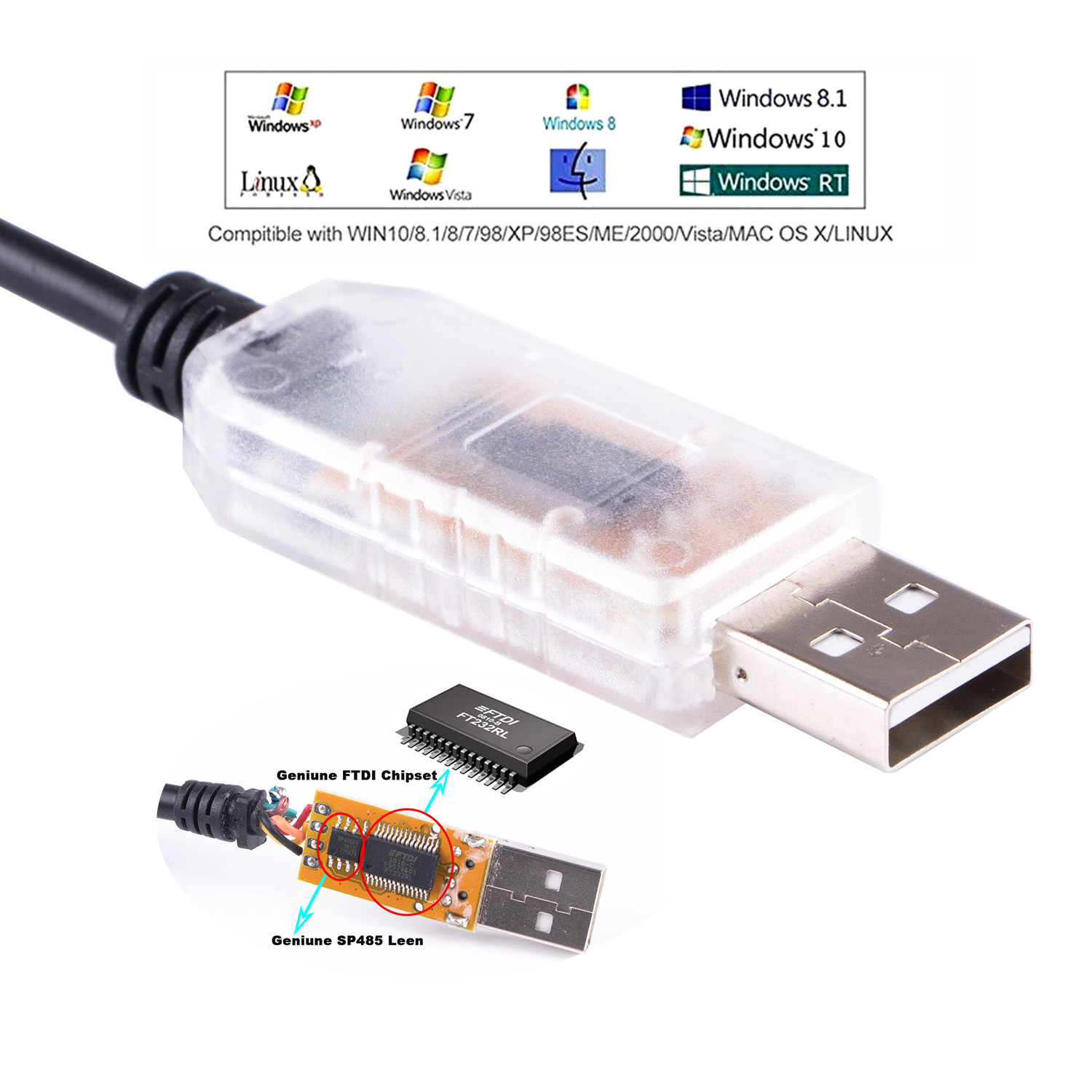
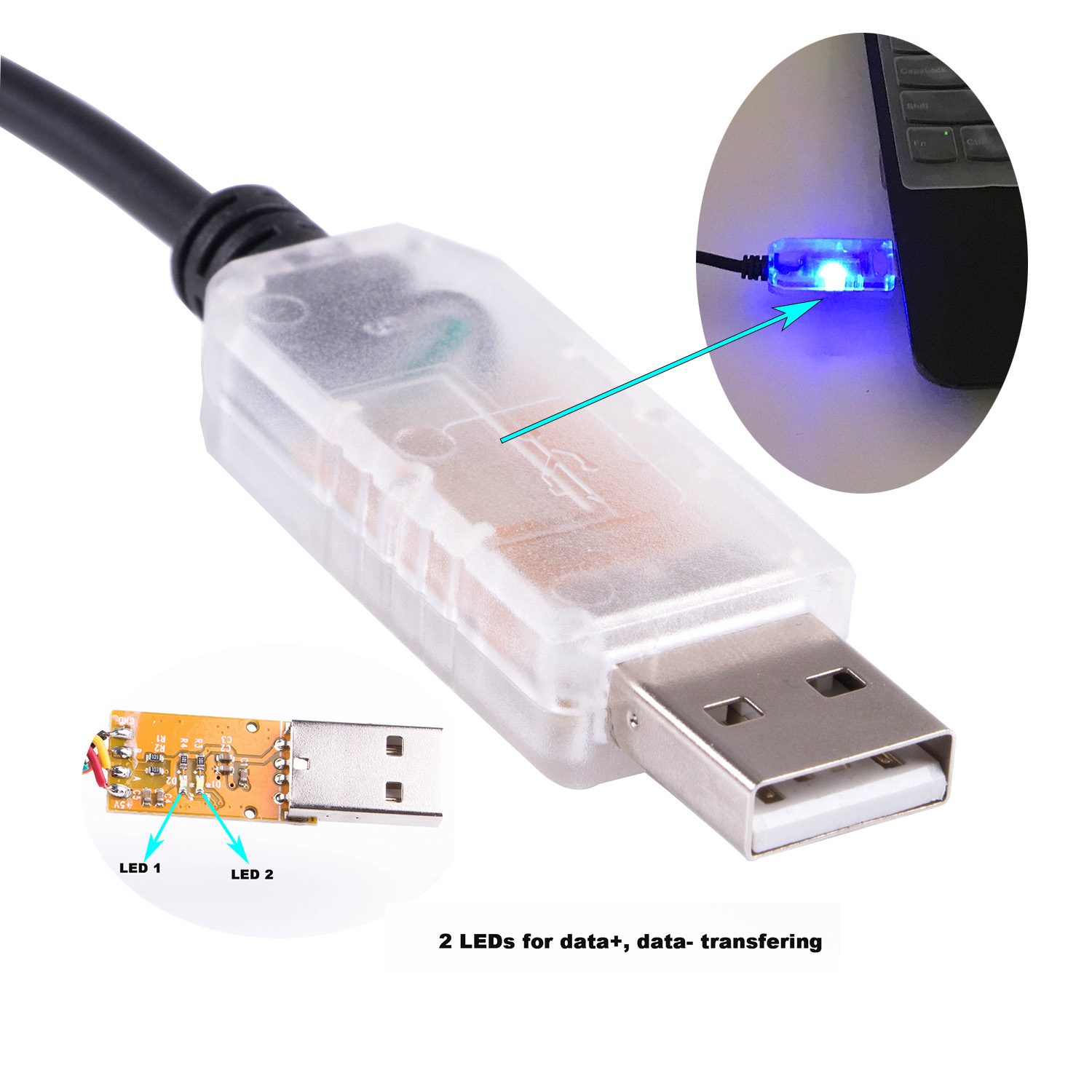
1: Transparent USB House to DMX :
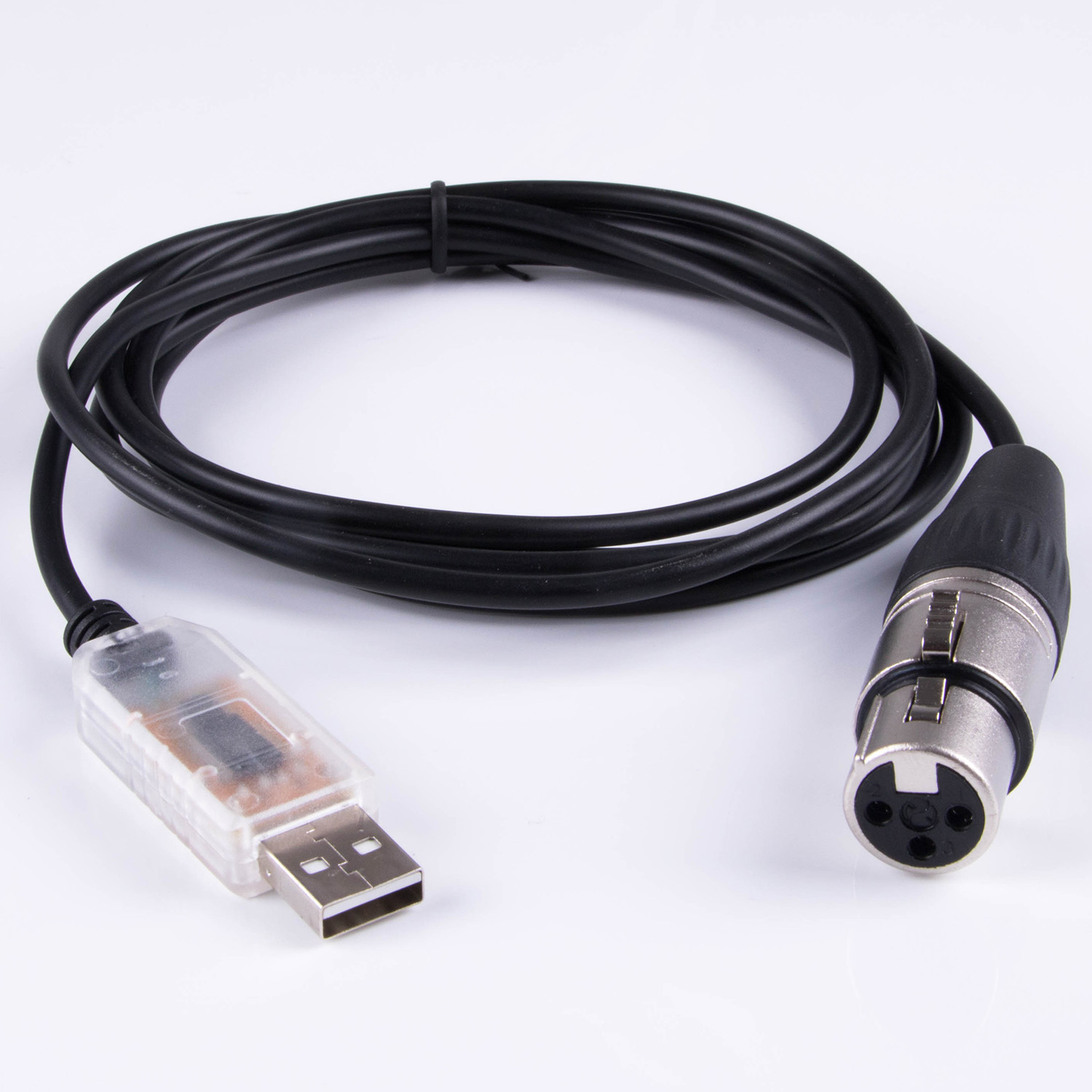
2: Black USB House to DMX : (the LED light shine hidden/block)